
How to Build a Scalable SaaS Architecture

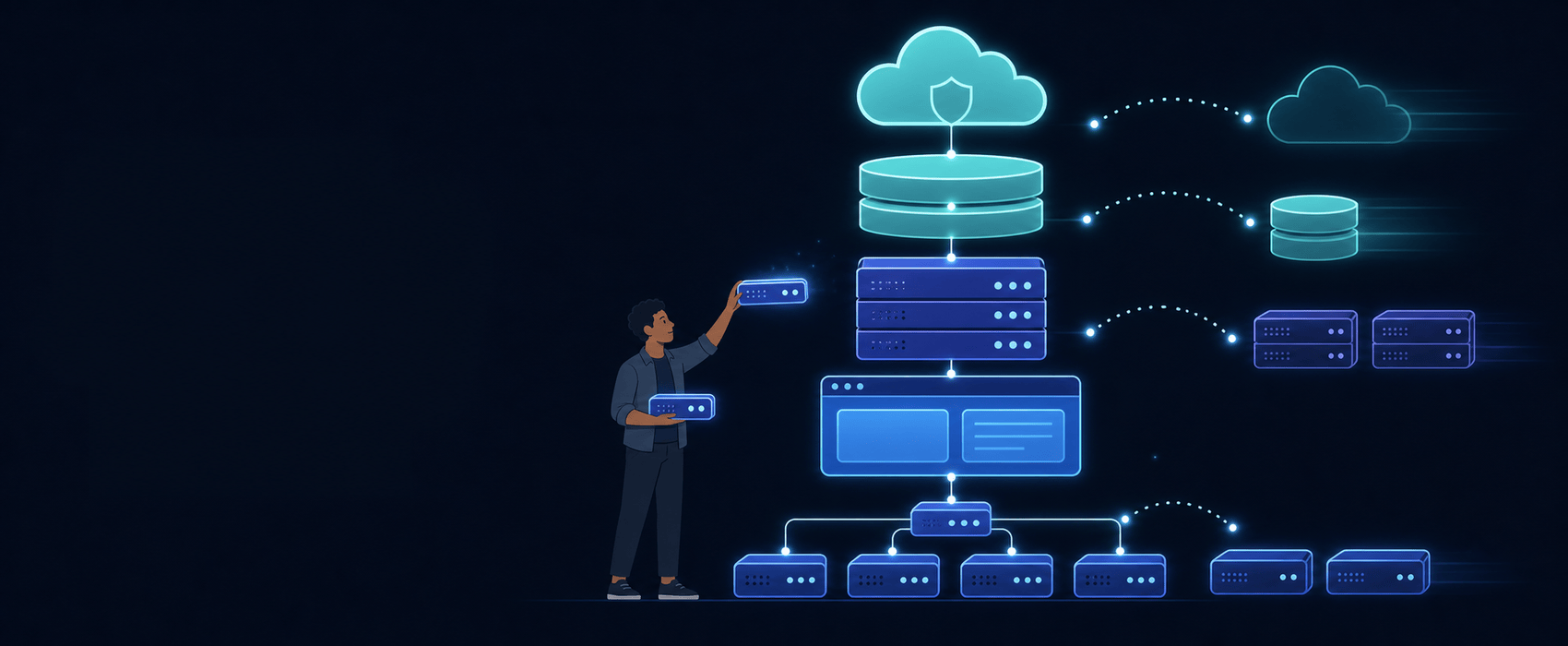
Every SaaS founder dreams of the same moment: waking up to thousands of paying customers. But that dream has a hidden trap. The architecture that felt perfect at 50 users can quietly become the reason you lose your biggest customer at 50,000. Learning how to build a scalable SaaS architecture early—without over-engineering your early days—is one of the highest-value skills a technical founder can develop.
The stakes are real. Google’s Site Reliability Engineering team points out that “three nines” of uptime (99.9%) still allows about 43 minutes of downtime per month. For a SaaS business, those minutes are not just annoying—they are billing failures, lost trust, and customers canceling contracts. Meanwhile, Gartner’s well-known estimate that a single minute of downtime costs thousands of dollars is exactly why investors ask founders hard architecture questions before they write big checks.
In this guide, you will learn how to build a scalable SaaS architecture step by step: the three ways to separate customer data, the boring-but-brilliant baseline stack, how to scale the data layer, and the SaaS scalability best practices that keep costs sane as you grow. Everything is explained in plain English, so you can lead the conversation even if you never plan to write code yourself.
Before we design anything, it helps to understand why software-as-a-service is a unique architectural challenge. A regular app serves whoever downloads it. A SaaS product must handle five extra demands at once:
Thousands of different companies—”tenants”—use the same product on shared infrastructure. Your multi-tenant architecture must keep each customer’s data perfectly separated while avoiding the cost of running a separate system for everyone.
Your customers pay monthly and expect access 24/7 across time zones. There is no “please install the update tonight.” Deployments must happen without stopping the service.
SaaS means recurring revenue: plans, upgrades, downgrades, trials, proration, invoices, taxes, and sometimes usage-based billing. This is not a nice-to-have feature—it is core architecture.
Enterprise customers want their own branding, custom roles, SSO login, and integrations. Your design must allow per-tenant configuration without forking your codebase.
If your infrastructure cost grows faster than your revenue per customer, scale becomes a punishment instead of a reward. Great SaaS architecture keeps the cost of serving one extra tenant embarrassingly low.
This is the single most important decision in SaaS design, and it comes in three flavors.
Each customer gets their own database or even their own server.
Best for: Regulated industries, huge enterprise contracts, and customers who demand strict isolation.
Pros: Maximum isolation, easy per-tenant backups and restores, easy to move one customer to a bigger machine.
Cons: Expensive and painful to operate. Hundreds of databases means hundreds of migrations. One noisy tenant cannot hurt others, but your ops workload explodes.
All tenants live in the same database, and every table carries a tenant_id column. Every query filters by that ID.
Best for: Most early-stage and mid-market SaaS products.
Pros: Cheapest per customer, one migration to run, easy to add analytics across all customers, and simple to operate.
Cons: A code bug could leak data between tenants, one giant tenant can slow everyone down, and per-tenant restores require extra tooling.
Shared infrastructure, but each tenant gets their own schema or its own partitioned table space.
Best for: Products that start pooled but want a smoother path to enterprise isolation.
Pros: A good middle ground—better isolation than pooling, lower cost than silos.
Cons: More moving parts than a simple pool.
They start with the pool model because it is fast to build and cheap to run, then use tenant-aware routing so large customers can be moved into their own silo later without a rewrite. Design the data layer so that a tenant can be lifted out and dropped somewhere else. That single decision buys you years of flexibility.
The most reliable way to build a scalable SaaS architecture is to begin with simple, well-understood pieces. The Twelve-Factor App methodology is still the best short checklist for building software that runs cleanly in the cloud. Its core ideas—clear config in environment variables, stateless processes, and disposability—make scaling dramatically easier.
A proven baseline for a modern SaaS product looks like this:
This “modular monolith plus cache plus queue” pattern can realistically serve tens of thousands of paying customers. Choosing it first saves you months of engineering time that is far better spent talking to customers.
The core rule of scaling an app tier is delightfully simple: if any server can handle any request for any tenant at any moment, you can add servers whenever you need more capacity.
If your team prefers a managed path, modern container platforms like Kubernetes (or simpler options such as AWS ECS, Google Cloud Run, or Fly.io) handle instance scheduling, rolling deploys, and health checks. You do not need Kubernetes on day one—but you do need the stateless habit from day one.
Most SaaS performance problems are database problems in disguise. Here is how to build a data layer that scales gracefully.
Every tenant-owned table needs a tenant_id. Add it to every index that matters, and enforce it at the database level using Row-Level Security (supported in PostgreSQL) so a bug in your app code cannot accidentally show one customer another customer’s data. This is one of the most important SaaS scalability best practices you will ever adopt.
Read your slow query log every month. Add composite indexes that start with tenant_id for the hottest queries. Most startups find that three or four well-chosen indexes cut their worst response times by 80% or more.
Dashboards, plan limits, feature flags, and permission checks are checked constantly and change rarely. Cache them in Redis with short expirations and invalidate on write. A proper cache layer can reduce database load by half or more.
Send reporting and analytics queries to read replicas so heavy dashboards never slow down the main app. When a table grows into the hundreds of millions of rows—usually events, logs, or activity feeds—partition it by tenant or by month. Managed services like Amazon Aurora make read replicas and failover far easier than running your own database servers.
Test your restore process, not just your backups—an untested backup is just a hope. And if you sell internationally, remember that some customers require their data to stay inside a specific country. Designing for region selection early is far cheaper than retrofitting it later.
SaaS architecture is not only about servers. Revenue features belong in the foundation.
Do not hand-roll payments. Use a billing platform such as Stripe Billing for plans, trials, proration, invoices, dunning, and tax handling. Your job is to model subscription states in your own database and stay in sync through webhooks—never trust a payment redirect alone.
If you charge by seats, API calls, or storage, build an event pipeline that records usage reliably and can be replayed. Usage-based pricing is rising across the industry, and sloppy metering is a fast way to lose customer trust.
Model roles as data, not hardcoded conditions. Enterprise buyers will ask for Google or Microsoft single sign-on, SCIM user provisioning, and audit logs. Providers like Auth0 exist so you do not have to build identity from scratch—buy this instead of building it.
Ship features behind flags, then turn them on per plan or per tenant. A single “entitlements” service that answers “is this tenant allowed to do X?” keeps pricing experiments, beta releases, and enterprise deals from turning into code spaghetti.
Once customers depend on you, reliability stops being a technical metric and becomes a sales feature.
Set a target like 99.9% monthly uptime for the core app and track it publicly inside your team. Use Google’s Site Reliability Engineering practices as a starting framework: if you miss the objective, you slow down feature launches and fix reliability; if you have budget left, you ship faster. The DORA research program also shows that elite-performing teams deploy frequently while keeping change failure rates low—speed and stability grow together, not against each other.
Track the four golden signals—latency, traffic, errors, and saturation—per tenant, not just globally. Real-user monitoring, distributed tracing, and error tracking with alerts will catch problems before your support inbox does. Add a status page; customers forgive outages far more readily when communication is clear.
Use automated tests on your core paths (signup, core action, billing), blue-green or canary deployments, and instant rollback. The goal is boring, low-risk releases several times a week.
Run game days and test restoring from backups on purpose. Every incident should produce a short, blameless written review with one concrete improvement.
Scaling a SaaS product is a business problem as much as an engineering one. Infrastructure cost per tenant should fall as you grow, not rise.
Eventually, certain parts of your product will deserve their own service. Good candidates include heavy background processing, real-time features, search, and anything with a very different scaling profile.
Use the strangler pattern: extract one piece at a time behind an interface, run it alongside the monolith, and switch traffic gradually. Never do a big-bang rewrite while customers depend on you.
Do not split just because microservices sound impressive. The microservices patterns catalog is full of useful ideas, but each pattern adds operational work. Split when a specific pain demands it: separate scaling needs, separate release cycles, or separate teams.
Days 1–30: Bedrock. Choose your tenancy model, add tenant_id everywhere, turn on row-level security, add indexes for your top queries, move sessions to Redis, and set up automated backups you have actually restored once.
Days 31–60: Scale the edges. Add a CDN, autoscaling, a background queue for slow tasks, rate limits per tenant, and caching for dashboards. Set SLOs and start tracking latency and error rates.
Days 61–90: Revenue and reliability. Wire up a real billing platform, build usage metering, add entitlements and feature flags, then run a load test at 10x your current traffic and fix the top three bottlenecks you find.
After that, revisit the architecture once a quarter. Reference the AWS Well-Architected Framework or the Azure Architecture Center as a structured review checklist—both are free, detailed, and vendor-honest about trade-offs.
Knowing how to build a scalable SaaS architecture is less about picking fancy tools and more about making a few smart decisions early. Choose a tenancy model that can evolve. Start with a modular monolith, a strong database, a cache, and a queue. Keep servers stateless. Enforce tenant isolation in the database, not just in your code. Buy billing and identity instead of building them. Measure reliability, watch costs, and split services only when real pain appears.
Do those things and scaling becomes a routine chore—adding machines and tuning indexes—rather than a crisis. Your customers will simply experience the best compliment a SaaS product can get: it just works, no matter how big it grows.





Copyright © 2026 Engineer Hut. All rights reserved.